Last Updated on June 25, 2026
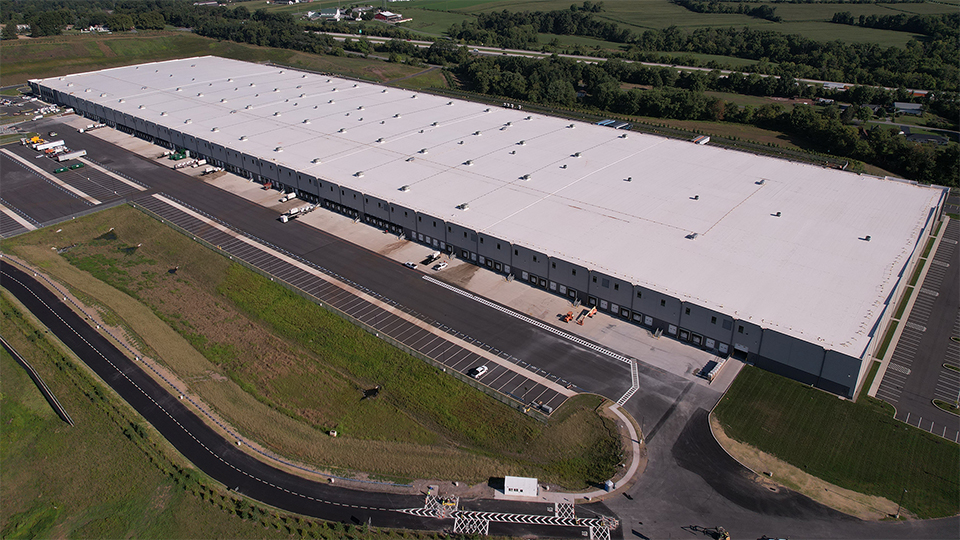
Data centers are on the rise, fueled by growing demand for cloud services and data-hungry applications like artificial intelligence. More than 6,000 public data centers are now operating worldwide, according to ABI Research. That number is projected to climb to nearly 8,400 by 2030.
Data centers are different from traditional industrial sites. While industrial operations typically face mechanical risks, data centers are most vulnerable to problems with electrical systems or heat-related failures. Problems with HVAC and electrical systems can damage servers and create safety hazards.
Keeping servers and staff safe can be a challenge when day-to-day operations are led by IT staff rather than electrical or mechanical engineers. Use the tips below to help keep your data center teams safe.
What’s Unique About Data Center Safety?
A data center is any facility that houses IT equipment, such as servers, which process and store data. This type of equipment consumes massive amounts of power, generates significant heat and requires extensive climate control to operate properly. A single data center campus can use as much power as a large factory or small city.
These demands create unique safety challenges, listed below. Data center worker safety begins by identifying potential hazards within your facility and understanding all regulatory requirements.
When you build a strong safety culture, you help your employees feel confident, improve morale and retention, and encourage staff to uphold safe practices. Being proactive about safety protects your facility’s infrastructure and data security, and it also helps avoid costly accidents and injuries.
For example, 80% to 90% of serious workplace injuries are caused by human error, which can be prevented by site safety training, according to the Occupational Safety and Health Administration (OSHA), and more than 99% of accidents are preventable.
Common Data Center Safety Risks
Data center workers may be exposed to several types of safety risks, including:
- Environmental Hazards: Staff may be affected by heat, noise and poor air quality generated by the equipment, hot aisles, and battery or mechanical rooms, if they lack proper climate control. Extreme weather and power outages can ramp up these hazards with little notice.
- Malfunctioning Systems: System failures — including cooling, electrical systems, backup power, fire suppression or control system malfunctions — can put workers at risk if there aren’t proper backup systems and protocols in place.
- Electrical Hazards: From energized equipment — like switchgear, uninterruptible power supply (UPS), power distribution units and generators — data centers are full of electrical hazards. Risks of electrical shock or fire also arise from improperly insulated wires, loose connections or faulty breakers.
- Fire Risks: Heavy electrical loads and dense cabling can pose fire safety risks.
- Other Health and Safety Risks: Chemicals, batteries and cleaning products all could injure workers. Working at height on servers or cabling in the ceiling introduces fall risks. Moving heavy servers, racks and batteries can cause strains, crush injuries or back injuries. Likewise, repetitive tasks in tight spaces may lead to musculoskeletal issues.
10 Safety Tips for Data Center Workers
Four out of the five most frequently cited standards violations by OSHA for 2024 — fall protection, hazard communication, ladders and lockout/tagout — directly apply to data centers. To protect equipment and maintain data center worker safety, use the following data center safety checklist.
1. Follow Safety Procedures When Working with High-Voltage Electricity
Working with high-voltage electricity requires careful de-energization, protection and verification to prevent shocks, arc flash incidents and burns. NFPA 70E, from the National Fire Protection Association (NFPA), outlines safe procedures for electrical systems work.
- Implement Lockout/Tagout (LOTO): LOTO is the required method for controlling hazardous energy. Equipment must be fully de-energized before work begins. This means it has to be shut down, disconnected or otherwise rendered safe — and locked out. If this is not possible, equipment should be tagged out to alert workers to avoid it during hazardous procedures. Before re-energizing, LOTO devices should be removed in reverse order (last on, first off). Energy should be gradually restored. Additionally, leaders should document the process.
- Use Proper Personal Protective Equipment (PPE): Depending on the task, arc flash protection can include cotton or flame-resistant clothing, voltage-related gloves, hard hats with full face shields, full coverage flash suits and insulated blankets.
- Adopt Smart Safety Practices: Follow an “avoid and protect” philosophy. Avoid energized work whenever possible and protect workers thoroughly when it is unavoidable. Have one qualified worker oversee another handling an electrical job. Also, implement regular data center safety training and hands-on drills to reinforce safe habits and build the muscle memory needed for emergencies.
2. Establish Arc Flash Boundaries
The arc flash boundary is the safety perimeter around energized electrical equipment where a person without proper PPE could receive a second-degree burn from an arc flash event.
All electrical systems — switchgear, motor control centers, transformers, variable frequency drives, electrical busways, remote power panels, UPS systems and such — require arc flash boundaries, which can be calculated using NFPA 70E or Institute of Electrical and Electronics Engineers 1584 methods. Arc flash boundaries are the starting point for determining appropriate PPE and are important to include on safety labels.
3. Place Specific Labels on High-Voltage Equipment
High-voltage equipment must carry warning labels on the front or access side. Specific, detailed labels are far more effective than generic ones.
On your labels, include the following information:
- “Danger” or “Warning”: Use “Danger” as a header for hazards likely to cause death or serious injury. Use “Warning” for less severe but still serious risks.
- Max Voltage: List the maximum voltage present.
- Arc Flash Data: Include the incident energy level (cal/cm2) and corresponding working distance, arc flash boundary and required PPE.
- Shock Hazard Approach: Include the limited and restricted approach boundaries and shock risk when cover is removed.
- Pictograms: These icons, or images, help ensure clarity even if there’s a language barrier.
- Data Center Integration: Label UPS systems, transformers and disconnects to support proper LOTO procedures.

4. Use Products That Prevent Arc Flashes
The saying that an ounce of prevention is worth a pound of cure certainly applies to arc flashes. You can prevent arc flashes by either containing energy or quickly cutting off the source of the arc event.
Products that offer arc flash protection at the system level may include the following.
- Arc-resistant switchgear
- Arc quenching systems
- Current-limiting fuses and breakers
- Remote racking devices
- High-resistance grounding
5. Use PPE and Safe Lifts When Working at Heights
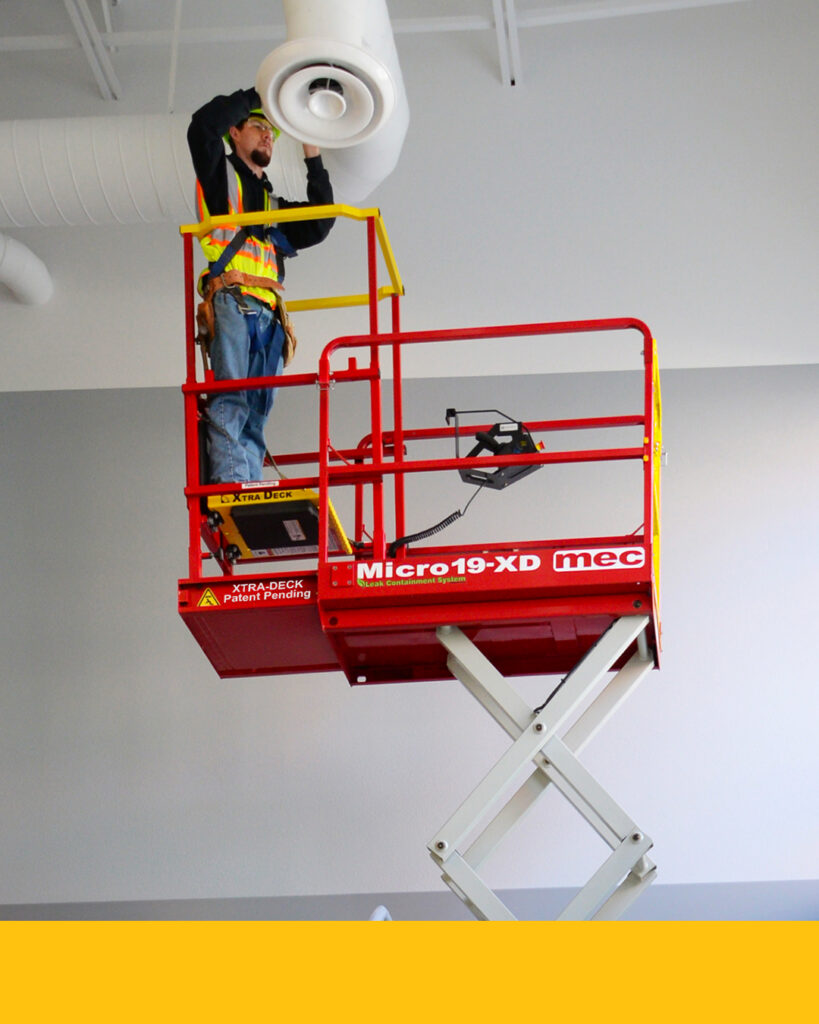
Working at heights is more common in data centers than many realize. Technicians often need elevation to safely maintain servers, cabling and HVAC systems.
Conduct risk assessments to determine the right equipment and PPE, which may include full-body harnesses, lanyards, anchor points, self-retracting lifelines, hard hats, safety glasses and non-slip boots.
Provide data center safety training on proper PPE use and care, and hands-on instruction for safe work at heights. Reinforce basics such as maintaining three points of contact on ladders, avoiding overreaching and potential dangers of working solo.
Finally, use the right aerial lifts. Reserve ladders for light tasks only. For higher or more sustained work, use scissor lifts or other mobile elevated work platforms.
6. Ensure All Staff Members Are Trained for the Tasks They Perform
A data center should have a dedicated safety leader — ideally with an electrical or engineering background — to set clear policies, manage training, procure proper safety equipment and conduct regular audits.
Do the following to ensure employees are properly trained:
- Provide equipment-specific instruction and guidance for handling safety issues.
- Regularly evaluate skills and assign tasks based on demonstrated competency.
- Train staff on safe lifting techniques and working at heights.
- Use outside training and certification when needed for high-risk or specialized tasks.
Pro Tip: For training on using equipment like scissor lifts, contact your equipment rental provider. A reliable provider will offer extensive safety training courses to make sure your team knows how to safely operate each machine.
7. Install Fire Alarms and Fire Suppression Systems
As mentioned, data centers house sensitive equipment that can be damaged by heat and fire. Fire alarms and fire suppression systems can significantly mitigate that risk.
Three-level fire suppression provides essential fire protection and helps contain fires with minimal downtime. This approach includes building-level suppression with wet sprinklers and handheld extinguishers, room-level suppression using clean agents or inert gases, and rack-level suppression with localized aerosols or direct-application systems.
8. Keep Flammable Materials Stored Safely Off-Site
Data centers are vulnerable to chemical and electrical fires. Even small leaks or spills can vaporize, ignite equipment and spread quickly through underground plenums or racks. To help reduce risk, store flammable materials — such as cardboard, solvents and aerosols, off-site and bring them in only when needed.
9. Install Climate Control Equipment
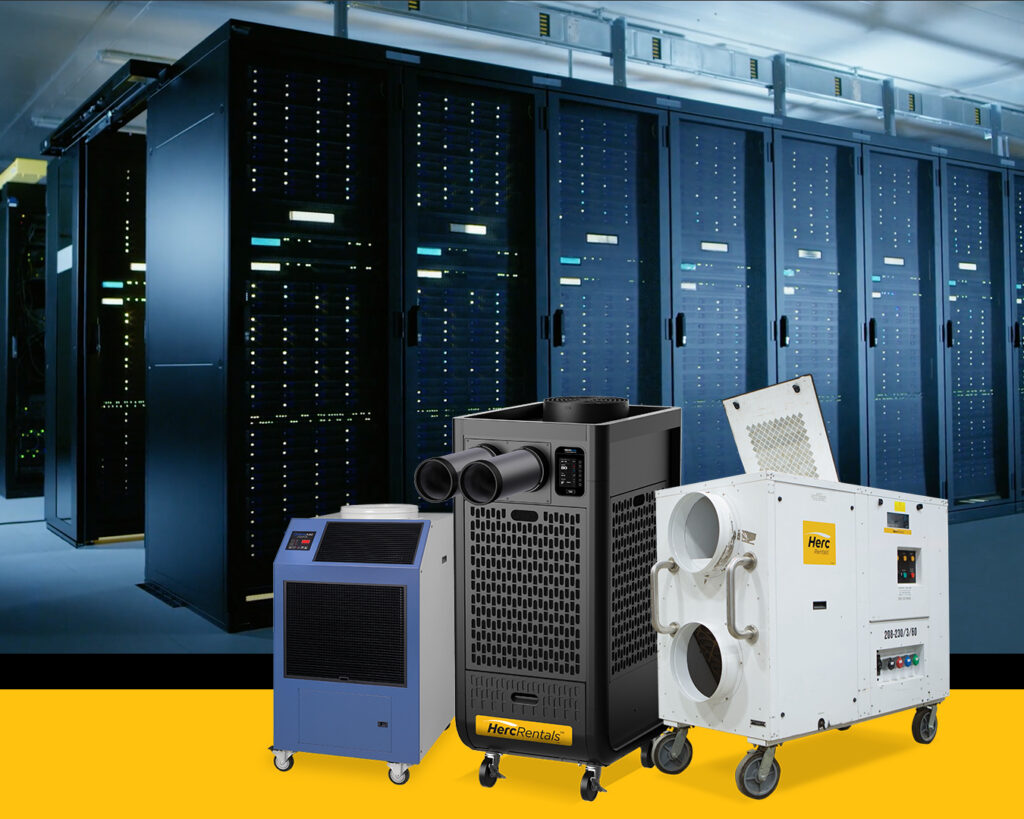
Data center equipment produces a significant amount of heat, so climate control systems are essential for maintaining optimal temperature and humidity to prevent overheating, static discharge or condensation.
Climate control solutions can include computer room air conditioners, computer room air handlers, chillers, hot- and cold-aisle containment, and various forms of liquid cooling.
Heating may be needed in cold climates or low-load conditions to maintain safe temperatures and humidity. Reheat coils or controlled HVAC heating protect equipment, prevent static buildup and ensure staff comfort without overheating servers.
- Learn More:
10. Have a Backup Power Source in Place
A reliable power supply is critical for data centers. Outages — caused by weather, wildfires, or grid failures — can damage equipment, compromise data security, and lead to costly downtime and reputational damage.
Backup power sources help maintain operations until the issue is resolved. Best practices include multiple energy sources in different locations, such as an on-site power plant for critical workloads and diesel generators for less critical servers.
For emergencies, renting backup power generation equipment can be a cost-effective solution. Work with your equipment rental provider ahead of time to make sure you’ll have the right supplies on time as emergencies are unpredictable.

Increase Your Data Center’s Safety with Equipment from Herc Rentals
We know data center safety is a top priority. By using these 10 safety tips for data center workers, you can create a strong safety culture that protects the data center and your most valuable asset: your employees.
Herc Rentals is here to help support all your data center safety needs. From data center safety training to climate control and backup power solutions that help maintain safety and data security, we have the expertise you’re looking for.
The team at Herc Rentals can help you determine the best solution for your facility. Browse our lineup of power generation rentals and other equipment today, or call a specialist at 1-800-432-6215 to learn more.